
Why Multi-Currency Accuracy Matters for Global Crypto Tracking
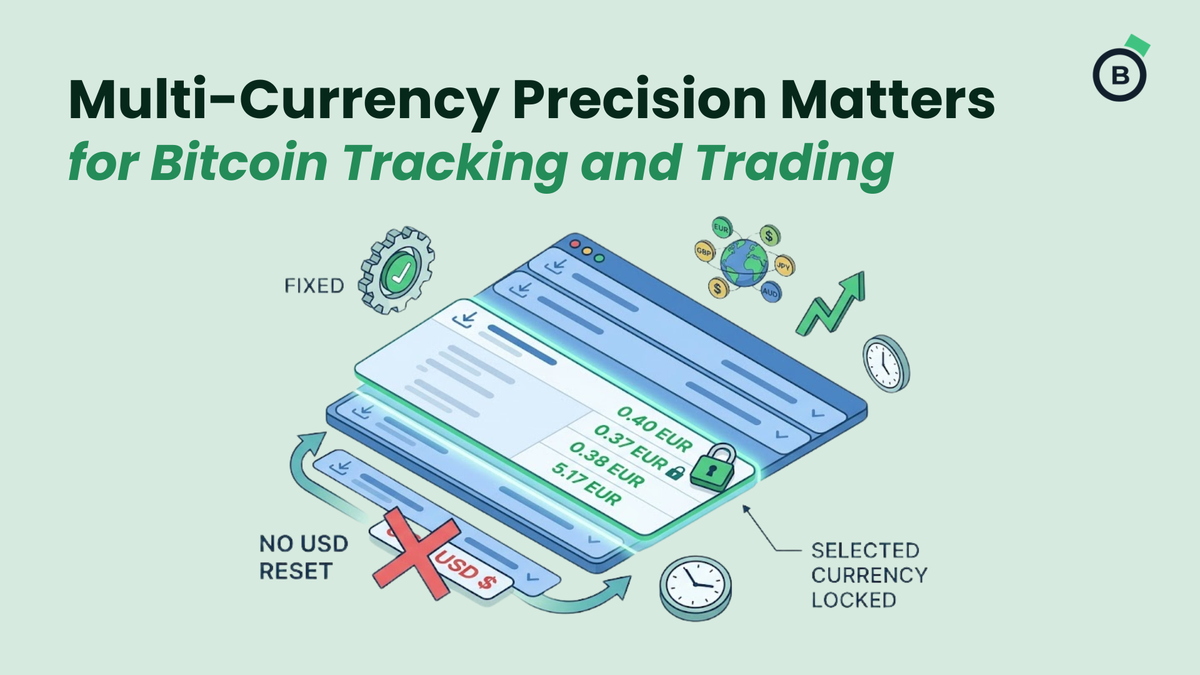
If you’ve ever used a blockchain explorer to audit transactions in your local currency, you probably know this exact headache:
You select EUR, GBP, or AUD so you can easily match a list of crypto payments against your local bank statement. Everything looks great—until you click to expand a specific transaction to check its block height or inputs.
Boom. The view instantly snaps back to USD, and suddenly you're doing quick currency math in your head or re-selecting your preferences all over again.
In a market where prices are constantly moving and foreign exchange rates are shifting, little UI glitches like that aren't just annoying—they throw off your workflow.
That’s why we updated the Blockonomics Address Lookup tool. Now, once you set your preferred fiat currency, it stays locked in place no matter how deep you dive into your transaction details.
Why a Small Fix Makes a Big Difference
When you're running a business or managing day-to-day crypto accounting, seamless tools matter. Here is why keeping your local currency active across every single row saves real time:
1. No More Mental Math During Audits
If you are managing finances in Europe, the UK, Australia, or anywhere outside the US, converting values back and forth is a hassle. Locking your currency selection means your screen always reflects the currency you actually spend and report in.
2. Taming the Volatility Wave
Crypto prices move fast, and so do fiat exchange rates. When you inspect a past transaction, you want to see what that Bitcoin was worth in your currency at the exact moment the transaction went through. Keeping the currency locked keeps your historical data clean and accurate.
3. Smooth Sailing for Global Merchants
If you accept Bitcoin on your website, checking payment confirmations should be fast and simple. You can now verify incoming customer payments in CAD, JPY, or EUR without second-guessing whether the screen suddenly switched back to US Dollars.
How to Try It Out
Checking your wallet activity takes just a few seconds:
- Paste your address: Drop any Bitcoin address or xPub key into the search bar.
- Pick your currency: Choose EUR, GBP, AUD, JPY, or whichever fiat currency you use.
- Expand and explore: Click open any transaction line. Your chosen currency stays right where you left it.
Frequently Asked Questions
Why do some block explorers reset back to USD when expanding transactions?
When you click to expand a transaction, many tools trigger a second request behind the scenes to fetch extra data. If that secondary request forgets your active currency setting, the system defaults back to its base setting (usually USD). We tweaked our setup so your currency choice carries over seamlessly every step of the way.
Why is historical fiat tracking so important for crypto payments?
Because Bitcoin’s market price changes by the minute, accounting requires knowing the exact fiat value at the precise moment a payment was confirmed. This makes invoice matching, revenue reporting, and tax time way simpler.
What currencies can I use in the Blockonomics Address Lookup?
You can track historical Bitcoin activity across major global currencies, including USD, EUR, GBP, AUD, CAD, JPY, AED, and more, all without unexpected resets.