Boost Your WooCommerce Sales with a Free AI Assistant (Setup in 5 Mins)
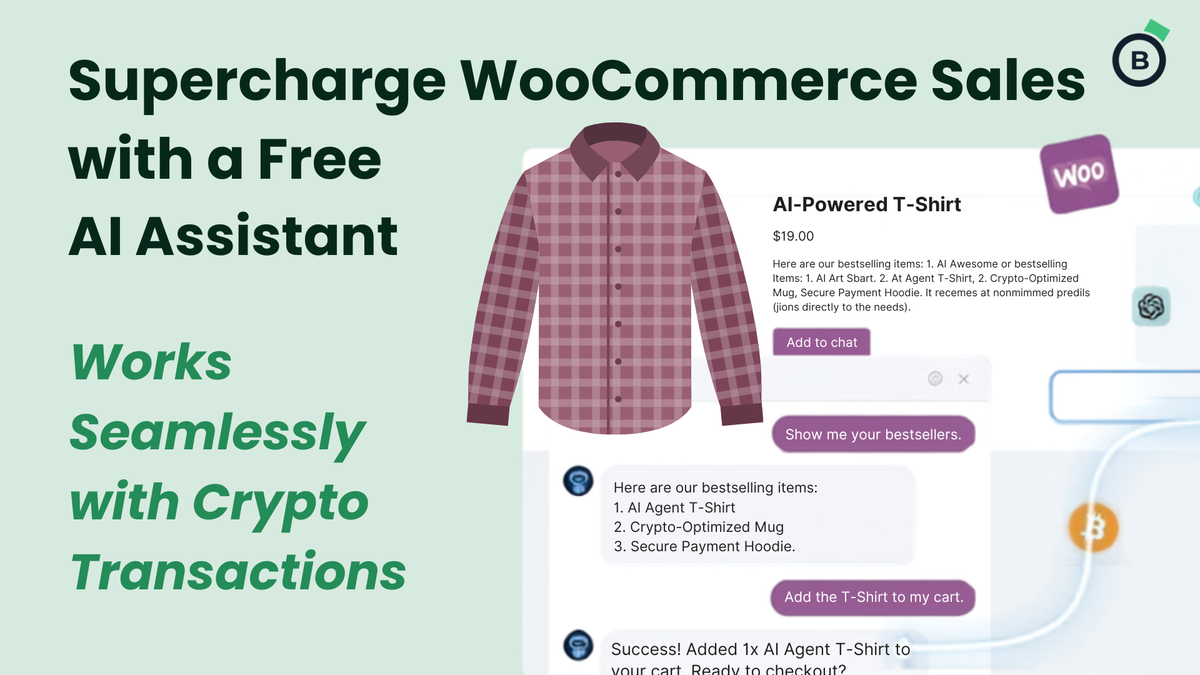
AI shopping assistants are transforming how customers interact with online stores. Instead of clicking through menus, filters, and product pages, shoppers can now simply chat with an AI agent that understands their needs, recommends products, and even adds items directly to the cart.
If you run a WooCommerce store, you can now add this capability for free — and it takes less than 5 minutes.
In this article, we’ll break down what this AI agent can do, why it matters, and what you’ll gain by following the full video tutorial. For the complete setup process, watch the YouTube guide here:
👉 https://www.youtube.com/watch?v=MUP6G2-Zzhs
Why AI Sales Agents Are Becoming Essential for WooCommerce Stores
Shoppers today expect instant answers. They want:
- Quick product recommendations
- Help comparing items
- Fast checkout
- Real-time support
- A personalized shopping experience
An AI sales agent delivers all of this automatically — no human staff required.
And when paired with Blockonomics, your store becomes even more powerful:
- Faster checkout
- Private, secure crypto payments
- Automated payment tracking
- Reduced cart abandonment
AI + Crypto = a modern, frictionless shopping experience.
What This Tutorial Helps You Achieve
The YouTube tutorial shows you how to connect Jotform AI Chatbot with WooCommerce so your customers can:
- Discover products through natural conversation
- Get personalized recommendations
- Add items to their cart directly from chat
- Check order status
- Navigate your store faster
- Move to checkout with fewer clicks
And the best part — the entire setup is free and requires no coding.
The video walks you through:
- Enabling WooCommerce’s MCP features
- Installing the Jotform AI Chatbot plugin
- Creating and customizing your AI agent
- Adding store knowledge (products, policies, FAQs)
- Connecting WooCommerce via API keys
- Testing the chatbot live on your store
If you want the AI to feel like a real sales assistant, this tutorial shows exactly how to do it.
A Sneak Peek of What the AI Can Do
Once connected, your AI agent can:
- Show bestselling products
- Suggest items based on customer preferences
- Add products to the cart
- Guide users to checkout
- Provide order updates
- Answer store questions
- (Future-ready) Help track crypto payments via Blockonomics
The video even demonstrates the AI adding a product to the cart in real time — it’s fast, smooth, and incredibly user-friendly.
Why This Matters for Crypto Stores
If you’re using Blockonomics for crypto payments, this AI agent becomes even more valuable.
In the future, it will be able to:
- Check payment confirmations
- Help customers troubleshoot crypto transactions
- Provide refund guidance
- Explain how Bitcoin checkout works
This means fewer support tickets and a smoother customer experience.
Watch the Full Tutorial Here
If you want to add this AI sales agent to your WooCommerce store, the full walkthrough is right here:
🎥 YouTube Tutorial:
https://www.youtube.com/watch?v=MUP6G2-Zzhs
It’s clear, beginner-friendly, and shows every step visually.