No Checkout UI Headaches: Bitcoin Payment Buttons for Node.js Using Blockonomics
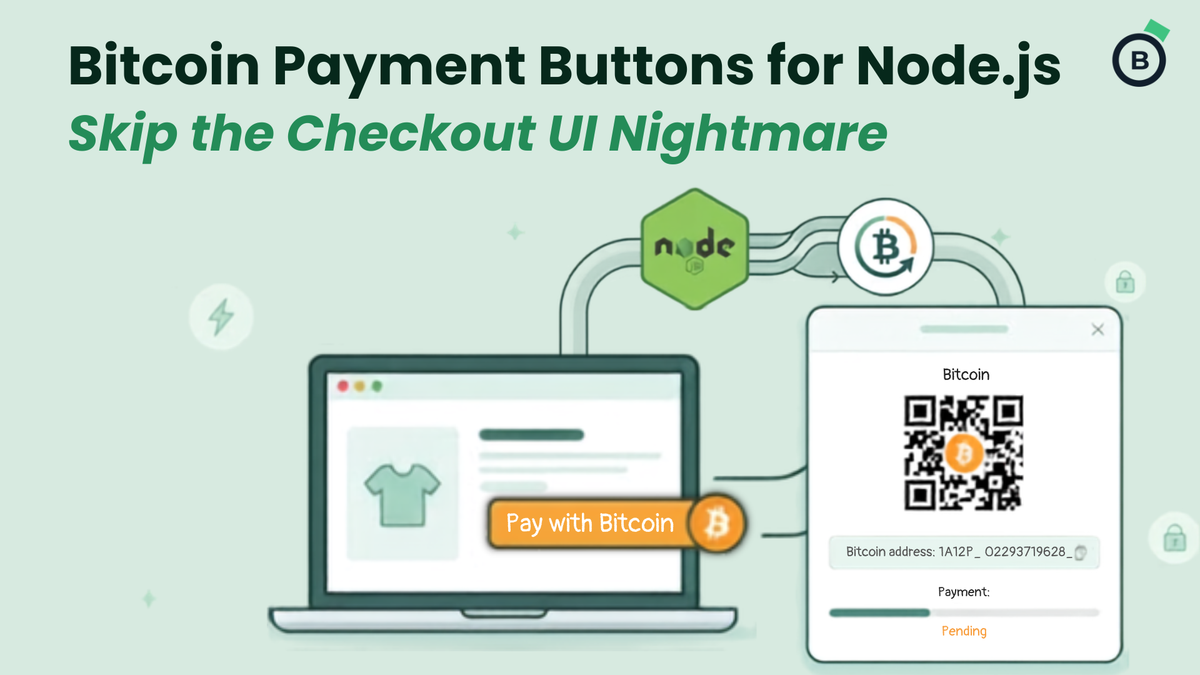
If you're a developer looking to add Bitcoin payments to your Node.js app quickly, Blockonomics offers a clean solution using payment buttons and widgets. You get a professional hosted checkout experience without having to build and maintain your own payment UI, QR code generator, or blockchain monitoring logic.
Why Developers Like This Approach
Blockonomics handles the heavy lifting:
- Generates unique Bitcoin addresses per order
- Shows real-time payment status with QR code and copyable address
- Collects customer info (email, name, etc.)
- Sends confirmation emails
- Fires webhooks for instant payment notifications
This is ideal for e-commerce stores, SaaS apps, digital product sellers, or any project where you want fast, reliable Bitcoin payments without reinventing the wheel.
High-Level Flow (for Quick Understanding)
- Create a “Parent Product” in your Blockonomics dashboard – this serves as a reusable template with your default settings.
- Dynamically create an order via their API from your Node.js backend (passing the exact amount, description, etc.).
- Render a payment button or inline widget on your frontend.
- On click, Blockonomics opens a secure modal/popup (or displays inline) with the full checkout.
- Handle webhooks in your Express route to update order status in your database when payments are received and confirmed.
- Build a simple admin view to list orders and their statuses.
You can choose between:
- Button style (opens in a modal – great for product pages)
- Widget style (embedded directly on the page – perfect for dedicated checkout or donation flows)
What You’ll Need
- Blockonomics account + API key
- Node.js + Express app
- Basic database (SQLite works great for starters)
- Bitcoin receiving setup (xpub recommended)
The implementation is straightforward: environment variables for keys, API calls to create temporary products, secure webhook handling, and order tracking.
Full Implementation Details
For complete code examples, route handlers, webhook security, admin dashboard snippet, testnet setup, and GitHub repo links, read the original technical guide:
👉 Bitcoin Payment Buttons and Widgets in Node.js with Blockonomics
It walks through everything step-by-step with runnable code.
When to Use This Method
This button/widget approach is perfect when you want speed-to-market and a polished customer experience. If you later need deeper customization (full control over every UI element), the same article also covers Blockonomics’ Receive Payments API as an alternative.
Bottom line: You can have Bitcoin payments live in your Node.js app much faster than building everything yourself.
Head over to the full DEV.to post for the code and detailed setup. Happy coding! 🚀