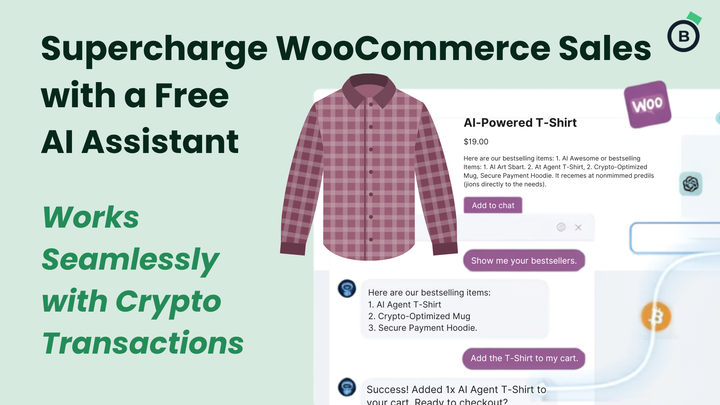
Connect Your WooCommerce Store to ChatGPT Using MCP
Running an online store today means adapting quickly to how customers shop.
And increasingly, customers are shopping through AI.
At Blockonomics, we believe merchants should have easy access to the latest ecommerce technology, without complexity, lock-ins, or enterprise-level budgets. That’s why we created this simple tutorial showing how WooCommerce merchants can connect their stores directly to ChatGPT using MCP (Model Context Protocol). You can watch the video tutorial here.
The result?
Your customers can interact with your store conversationally through ChatGPT, asking questions, browsing products, and discovering items naturally through AI.
No complicated infrastructure. No custom backend development. Just practical tools merchants can start using today.
Why We’re Excited About This
AI is changing ecommerce faster than most merchants realize.
Customers no longer want to click through endless menus and filters. Increasingly, they simply ask:
- “What are your best-selling products?”
- “Show me products under $100”
- “Do you accept Bitcoin?”
- “What’s good for beginners?”
And now, your WooCommerce store can answer those questions directly through ChatGPT.
At Blockonomics, our goal has always been simple:
Give merchants powerful tools without making things complicated.
This MCP setup is another step in that direction.
What Is MCP?
MCP (Model Context Protocol) is a system that allows AI platforms like ChatGPT to securely connect with external tools and services.
In this case, it allows ChatGPT to communicate with your WooCommerce store in real time.
Once connected, ChatGPT can:
- Read product information
- Answer customer questions
- Help users discover products
- Access store data securely
- Power conversational shopping experiences
Think of it as giving your store an AI-friendly interface.
Why This Matters for WooCommerce Merchants
Most AI discussions focus on giant companies and enterprise platforms. But independent merchants deserve the same opportunities. That’s exactly why we wanted to create this tutorial. With this setup, even small WooCommerce stores can experiment with:
Conversational Shopping
Customers interact naturally instead of navigating traditional ecommerce menus.
AI-Assisted Product Discovery
ChatGPT can help customers quickly find relevant products.
Better Customer Experience
AI becomes a shopping assistant available 24/7.
Future-Ready Commerce
AI-native shopping is growing rapidly, and merchants who experiment early will have an advantage.
What You Can Do Next
Once connected, you can interact with your store naturally through AI.
For example:
- “Show products currently in stock”
- “What are the latest products?”
- “Find products under $50”
- “Which items are best sellers?”
- “Show products related to Bitcoin payments”
This creates a much more natural shopping experience for customers.